
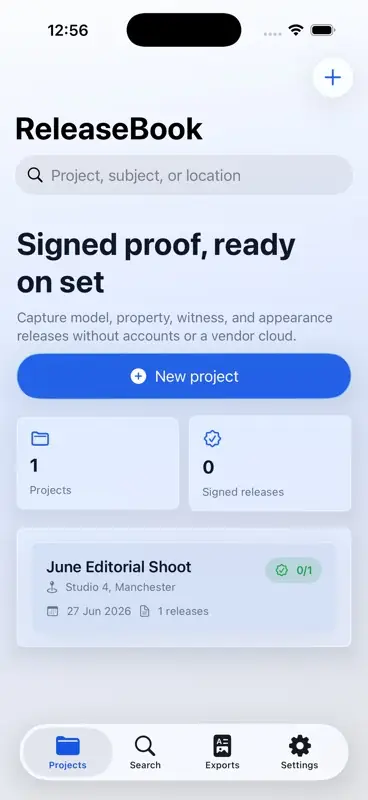
Create a project
Open ReleaseBook and create a project for the shoot. Use a clear project name, shoot date, location and optional notes so the release pack is easy to find later. The current build stores records locally and does not require a RGT Software Ltd account.
Add a release
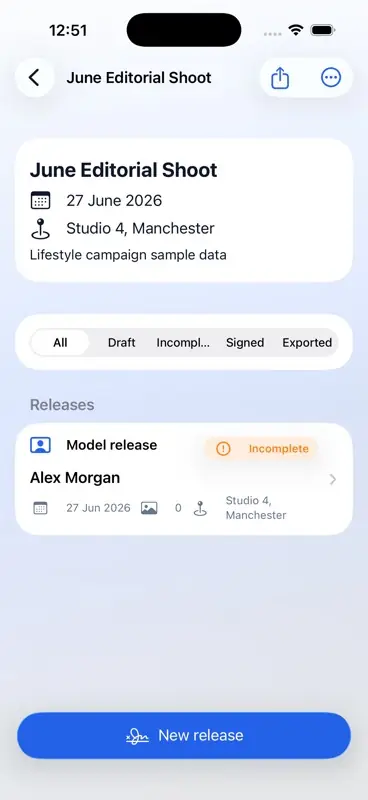
Open a project and choose New Release. Select the release type that fits the shoot, such as model, minor, property, or appearance. Enter the signer name first; additional details can be added before signing or export.
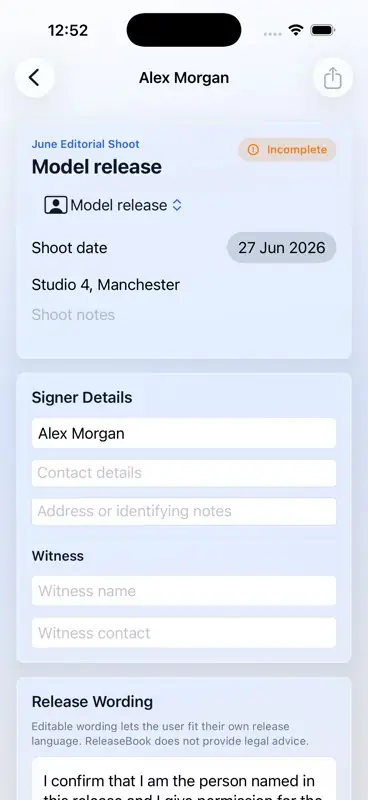
Review and edit wording
ReleaseBook includes editable release wording to help you start quickly. Review the wording before use, adjust it for the job, and seek professional advice if you need jurisdiction-specific legal wording.
Capture signer details
Add contact details, address or identifying notes, witness details, guardian details for minor releases, and optional shoot notes where they help explain the record. Required guidance appears only when a required value is missing.
Add optional reference photos
Use selected photos or camera capture where a reference photo helps identify the subject, property, or shoot context. Photos are optional and remain part of the local app record unless you export or share them.
Sign the release
Use the signature capture area for a drawn signature, or use typed sign-off where drawing is not practical or accessible. ReleaseBook marks the release as incomplete until the required signature and minor-release guardian details are present.
Export PDF proof
Use the export controls to create a local PDF release or project pack. The system share sheet lets you save, preview, print, copy, or send the generated PDF through destinations available on your device.
Use Settings and support links
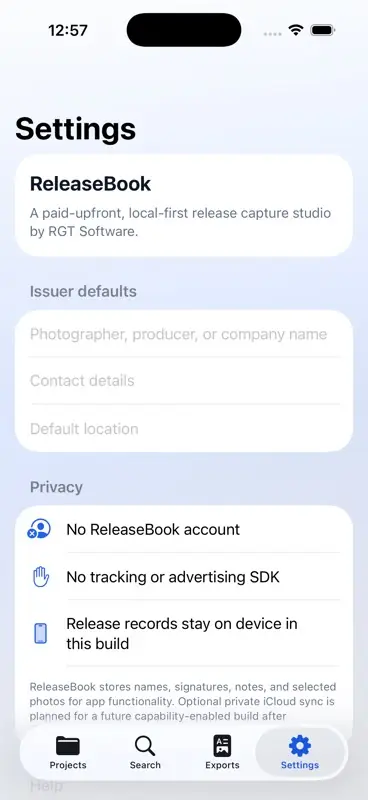
Open Settings to review the local-first privacy posture, purchase model, user guide, support, privacy policy, and terms links.
Understand privacy
ReleaseBook is local-first in the current build. RGT Software Ltd does not operate a ReleaseBook cloud account service. If you share exported files, you choose the destination through Apple system share options.
Get support
For help, visit ReleaseBook Support or email support@RGTSoftware.com.