GoldenPlan: Sun & Golden Hour
Shoot location and light planning on iPhone.
Choose a place, date and time, then explore likely daylight, useful light events, sun direction and shadows before a shoot, property visit or garden decision.

Plan the light
Choose place and time
See how the light changes.
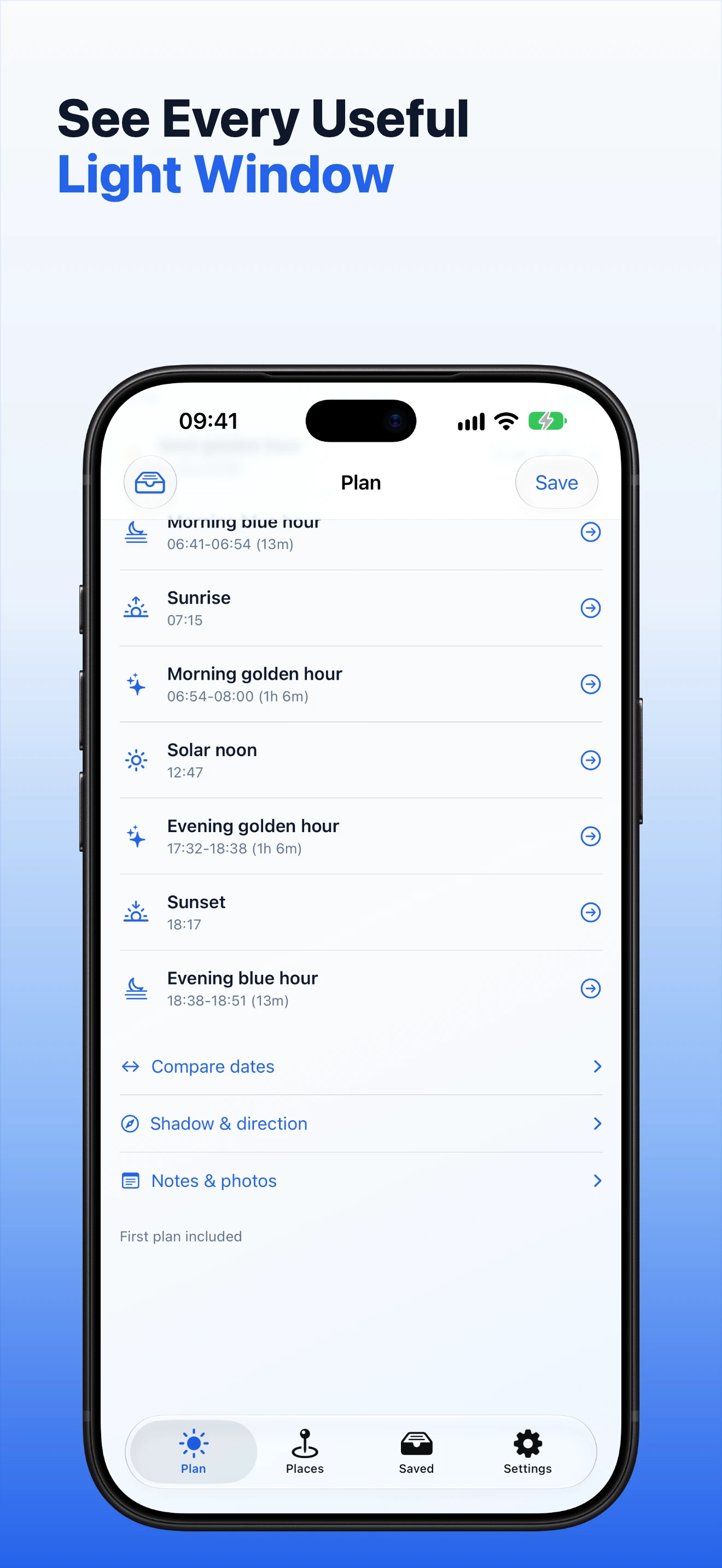
Move through the daylight timeline, open sunrise, golden hour, solar noon, sunset and blue hour, or compare a second date without making a duplicate plan.
Map-first planning
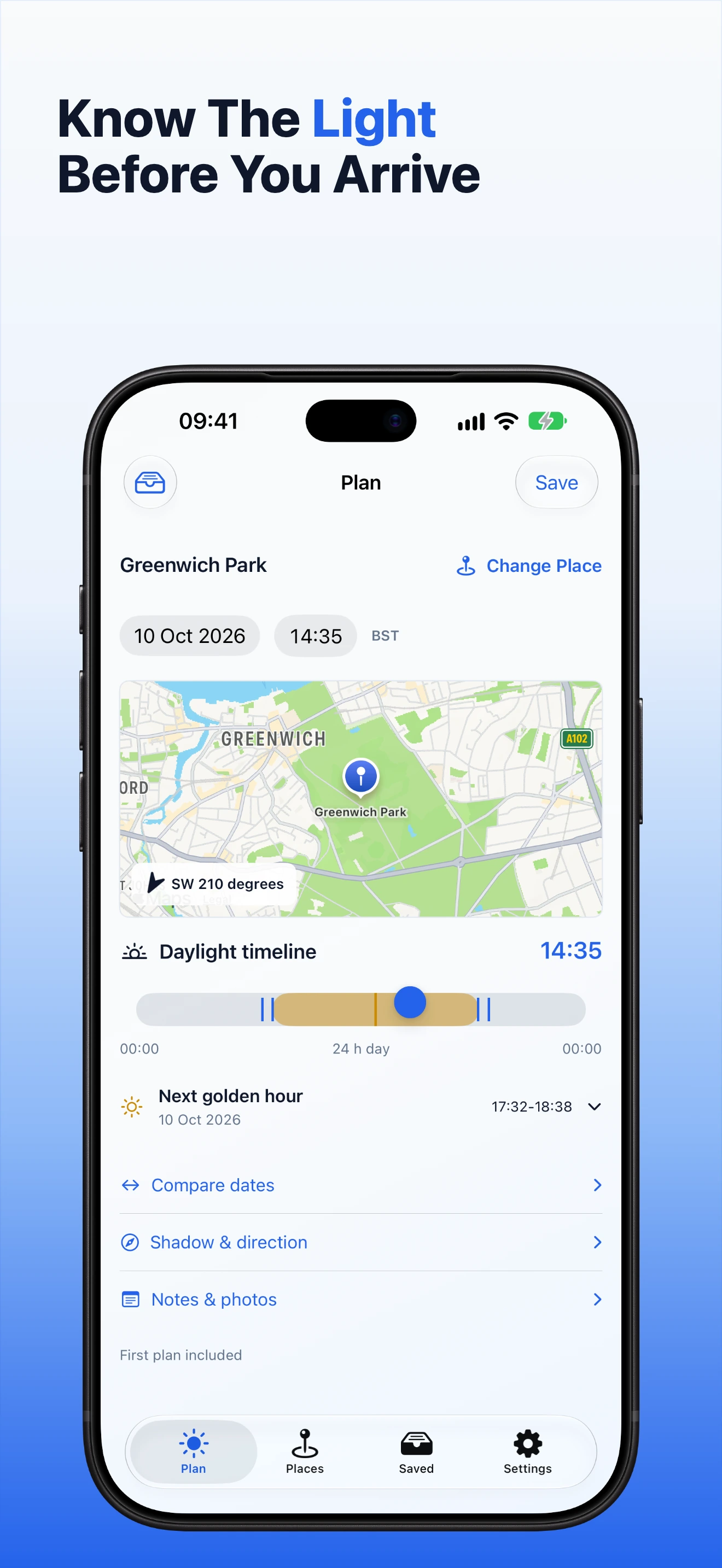
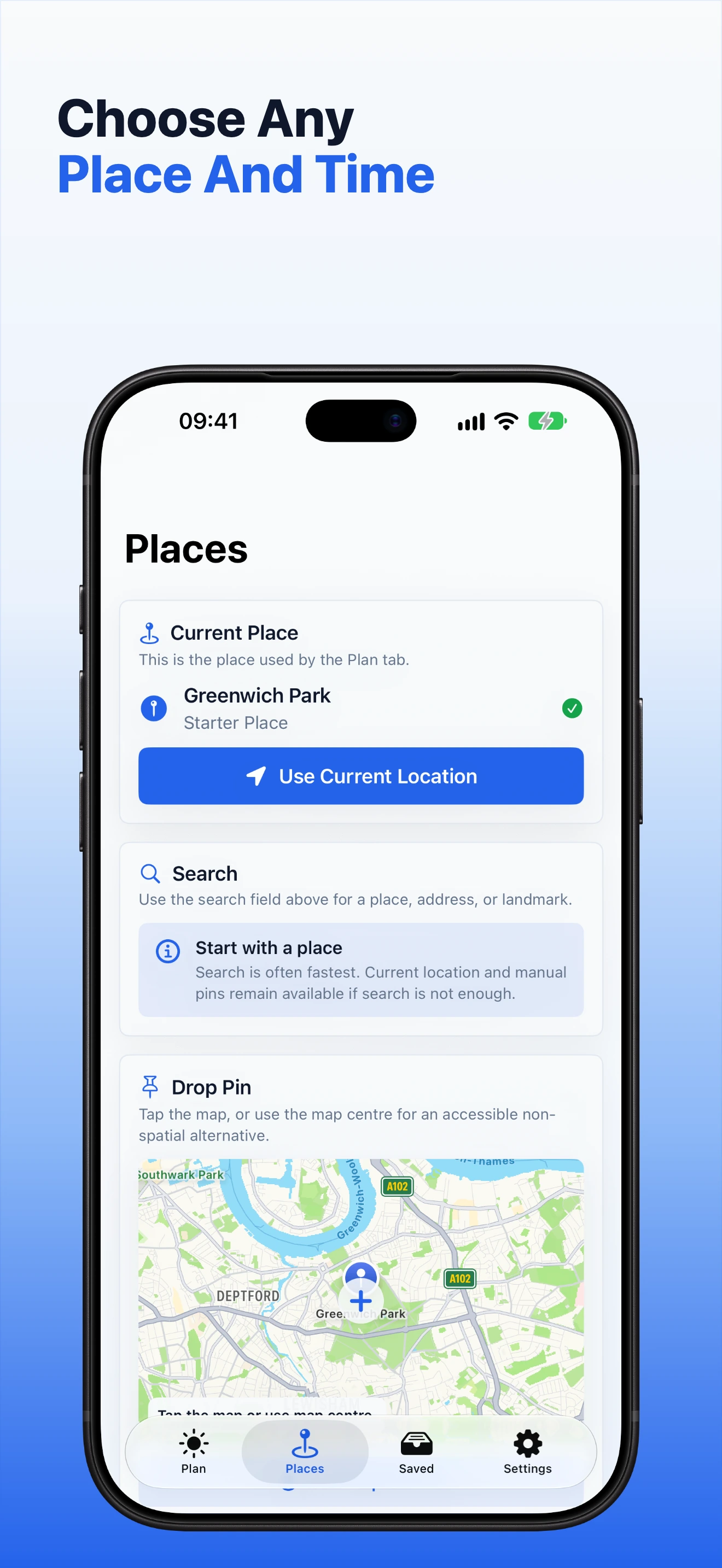
Search for a place, use current location or drop a pin. The map keeps the time and sun direction tied to the location you are planning.
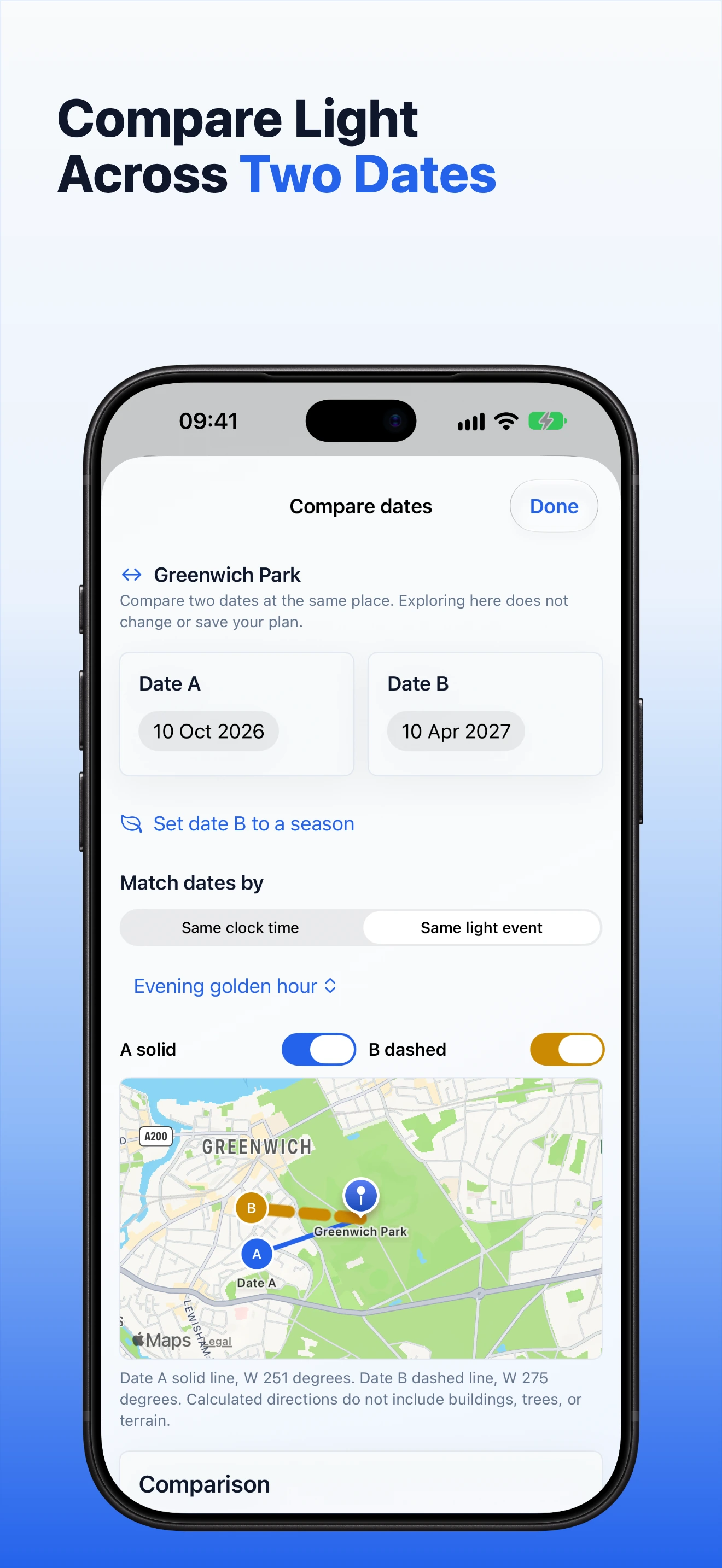
Compare two dates
Check two sets of useful light events in one planning session when the first date is uncertain.
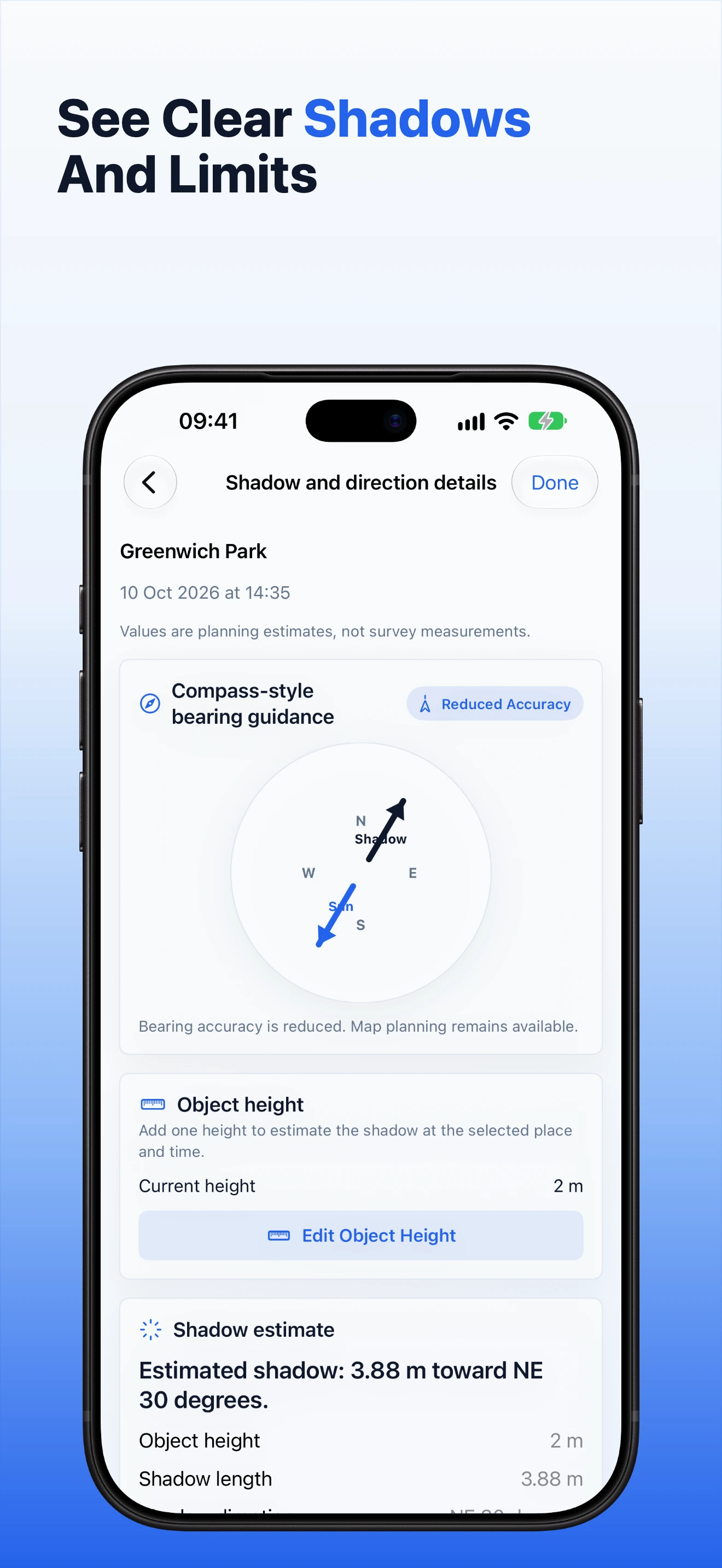
Estimate a shadow
Enter the height of one vertical object to estimate its shadow length and direction on level ground.
Keep the plan useful after you choose a time.
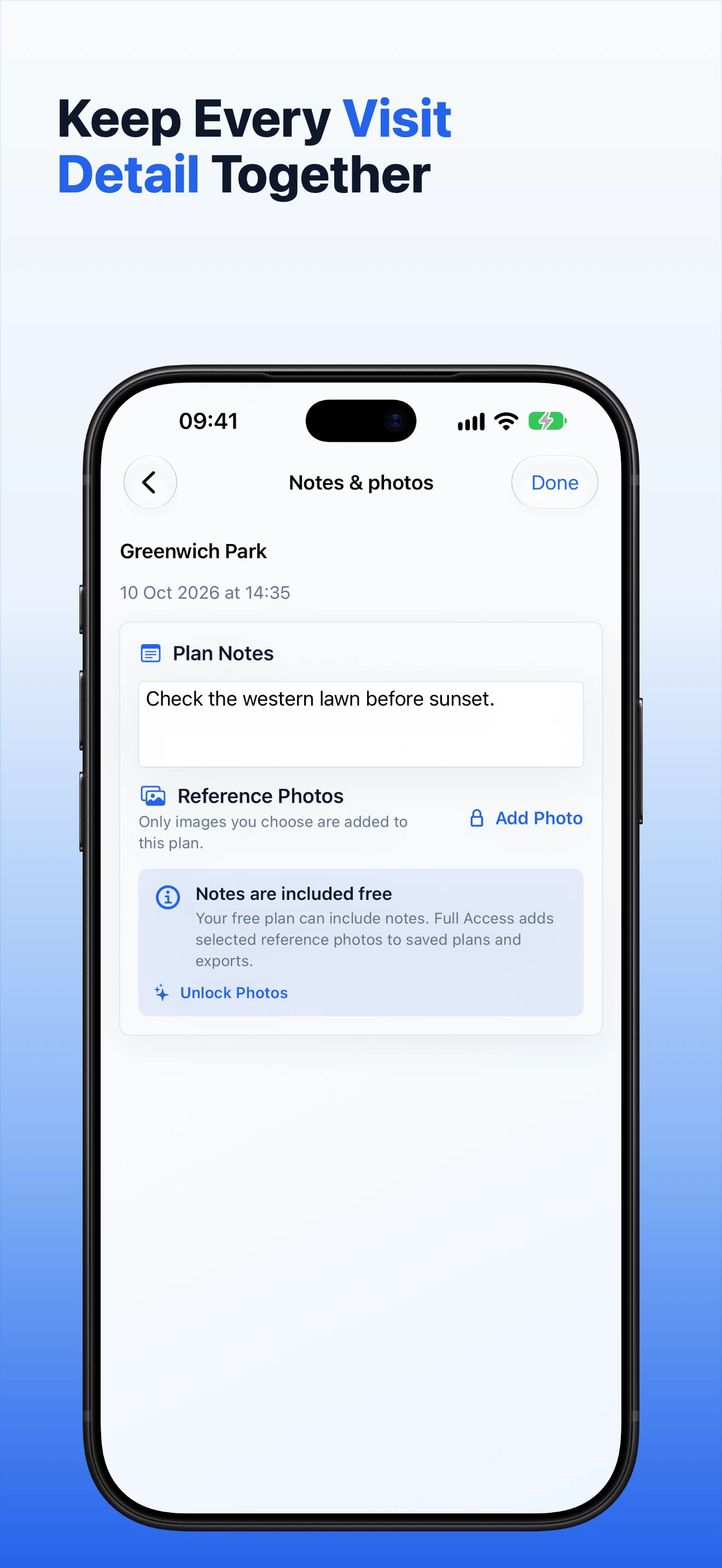
Save one plan free with notes. Full Access adds repeat visits, selected reference photos, Calendar preparation, richer PDF or image summaries and private iCloud continuity when available.
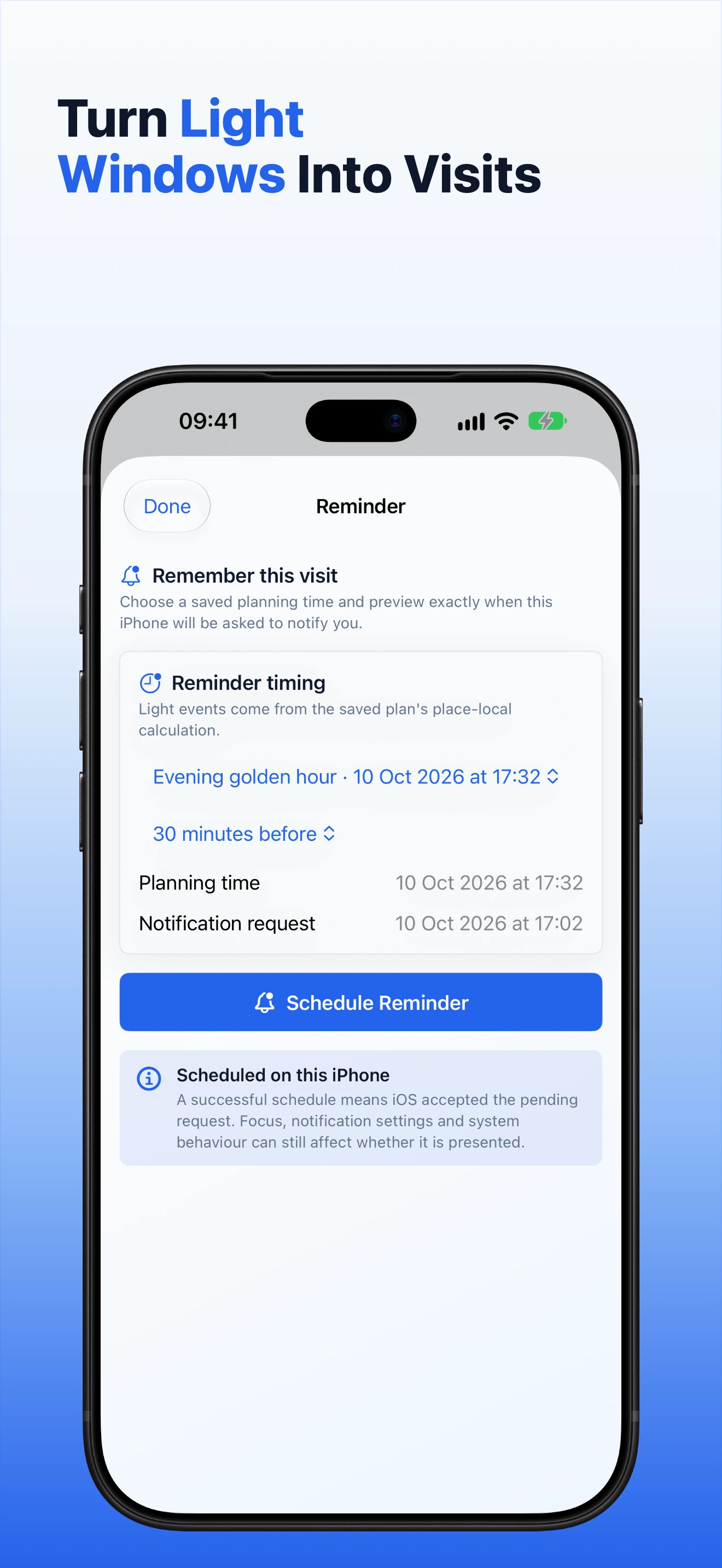
- Add a device-local reminder to a saved plan and keep the next useful light event on the small Home Screen widget.
- Prepare a Calendar event from the plan, review it, then confirm it in Apple's Calendar sheet.
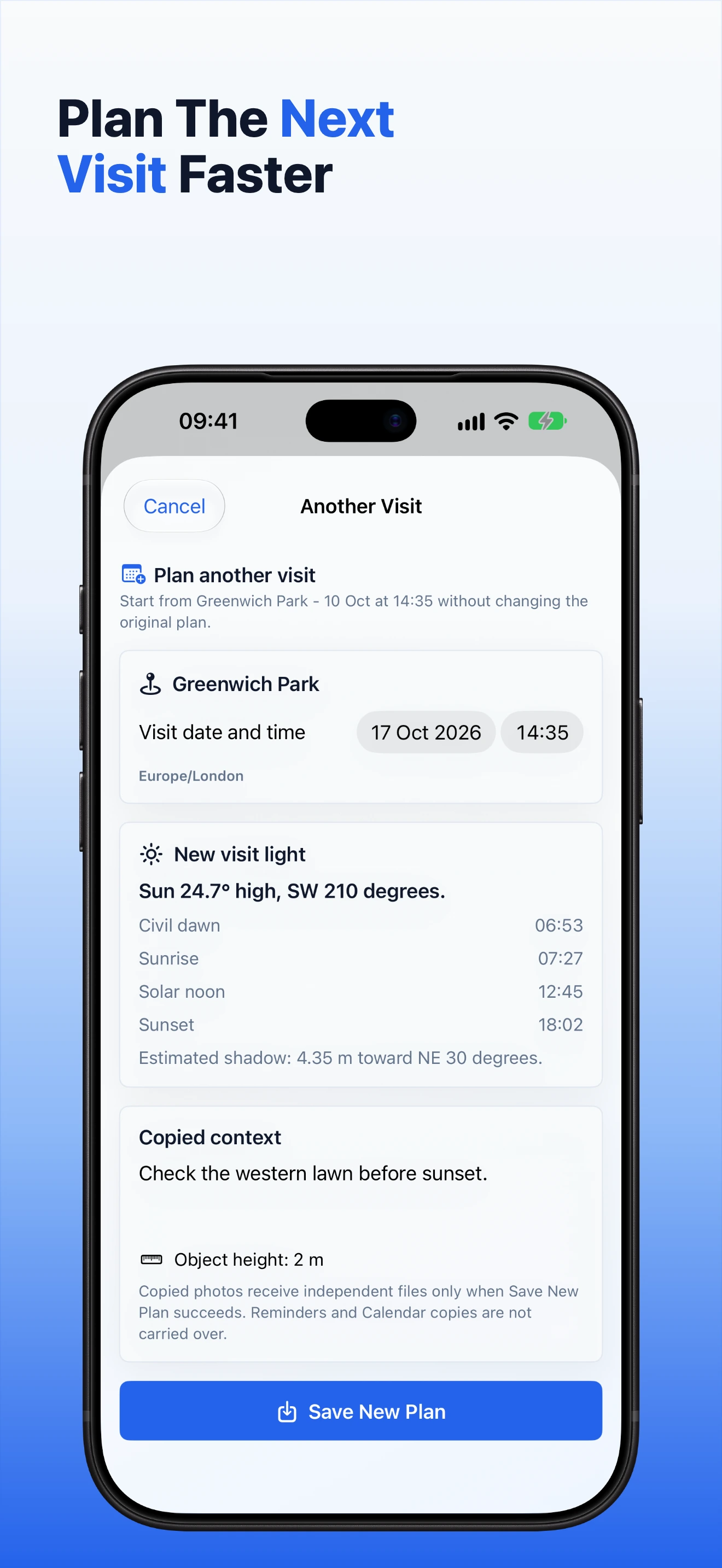
- Start a repeat visit from a saved plan without changing the original.
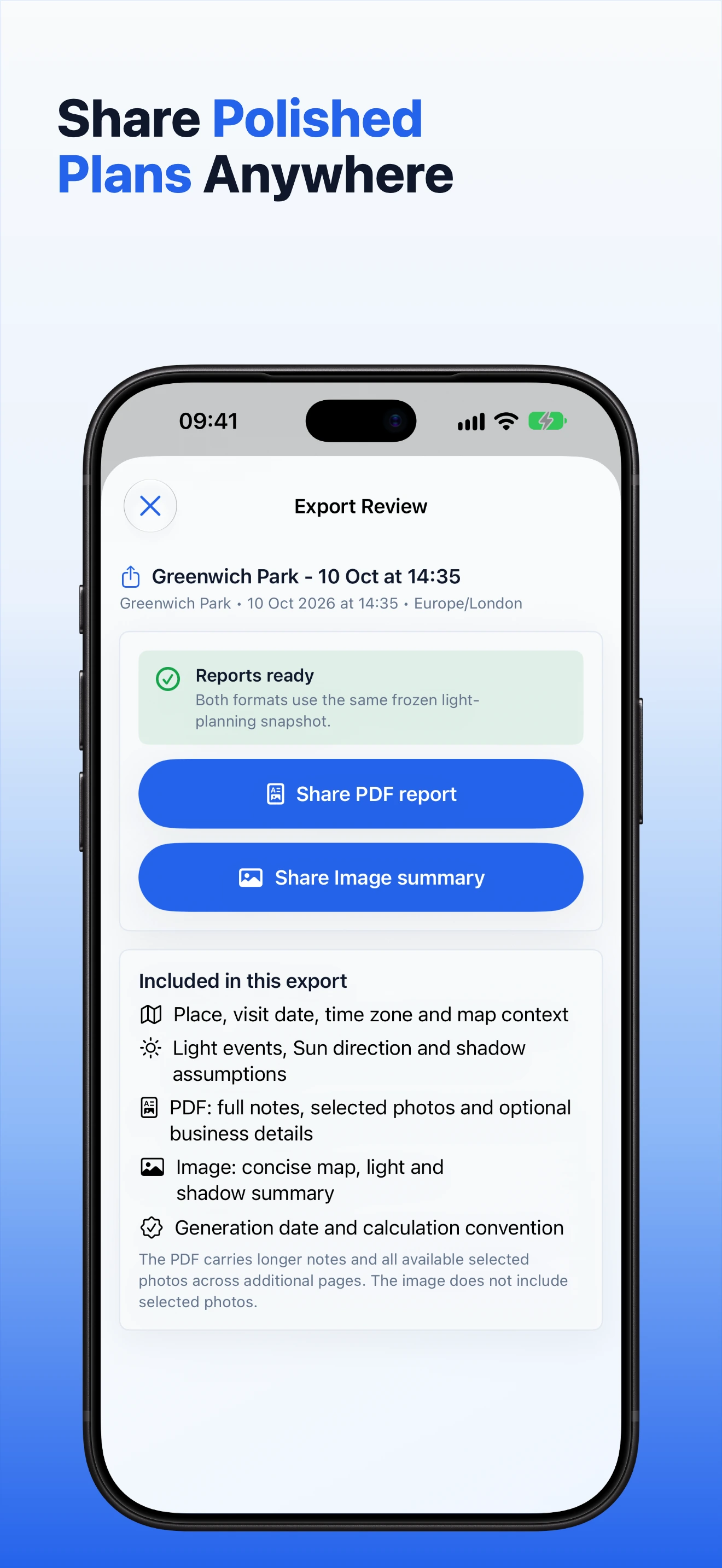
- Review export contents before sharing a plan summary with a client or colleague.
Follow the complete workflow.
These are the same approved panels prepared for the App Store. The user guide explains each step in plain English.
Plan the light
Choose place and time
Compare dates
Review an export
Estimate shadows
Add notes and photos
Plan a repeat visit
Set a reminder
Open useful light events