

SnagBoard
Turn site notes into professional reports.
SnagBoard helps you create projects, organise rooms, record issues, add marked-up photo evidence and produce polished PDF reports from iPhone or iPad.
Built for iPhone and iPad
Marked-up photos
Professional PDF export
Available on the App Store

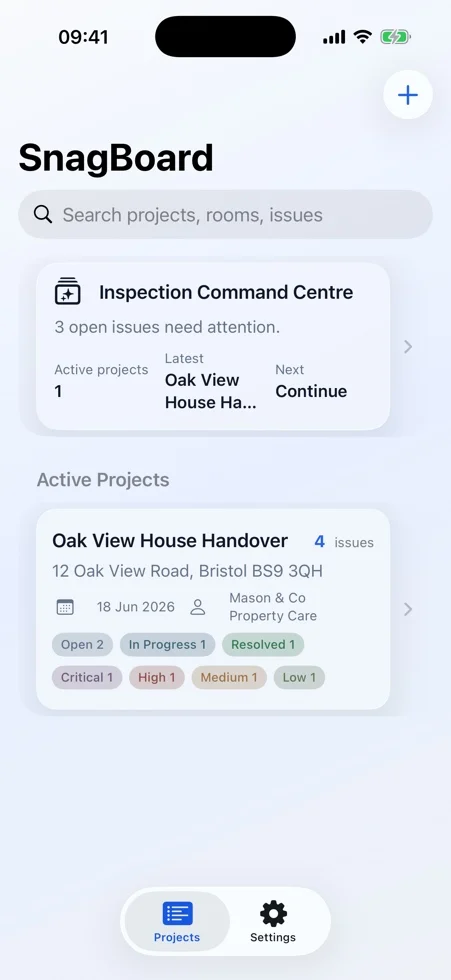
iPhone
iPad
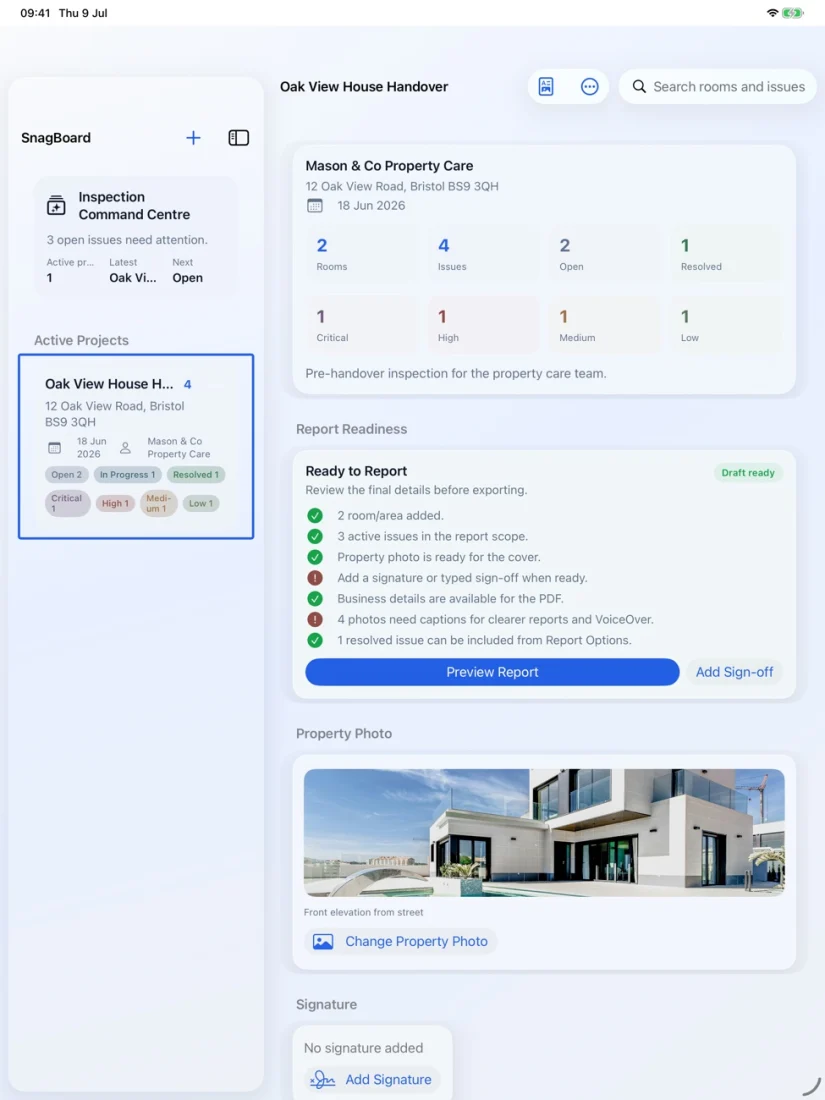
The same inspection, shaped for each device.
SnagBoard keeps the workflow consistent, but the layout adapts so quick capture feels natural on iPhone and review work feels spacious on iPad.
iPhone workflow
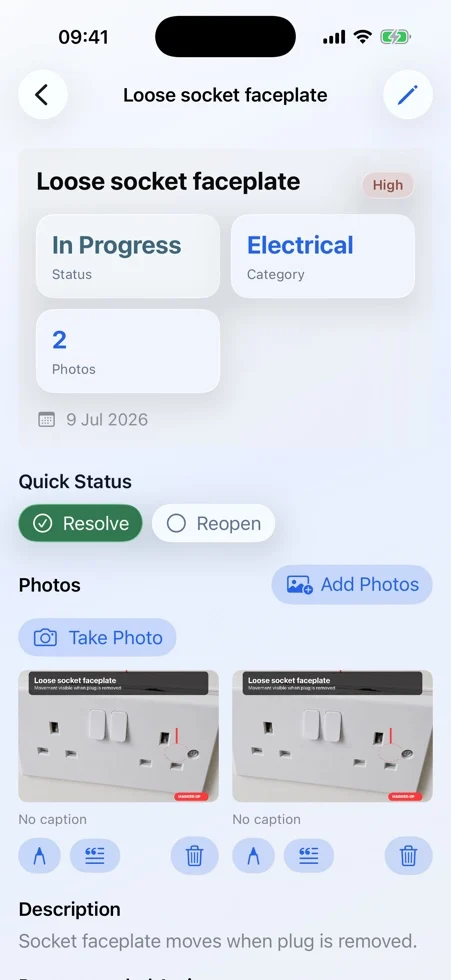
Designed for quick capture, thumb-friendly navigation and fast issue logging while moving around site.
- Focused single-column flow for fast project updates.
- Evidence capture and markup stay close to the issue record.
- Useful when you are walking the space and recording as you go.
iPad workflow
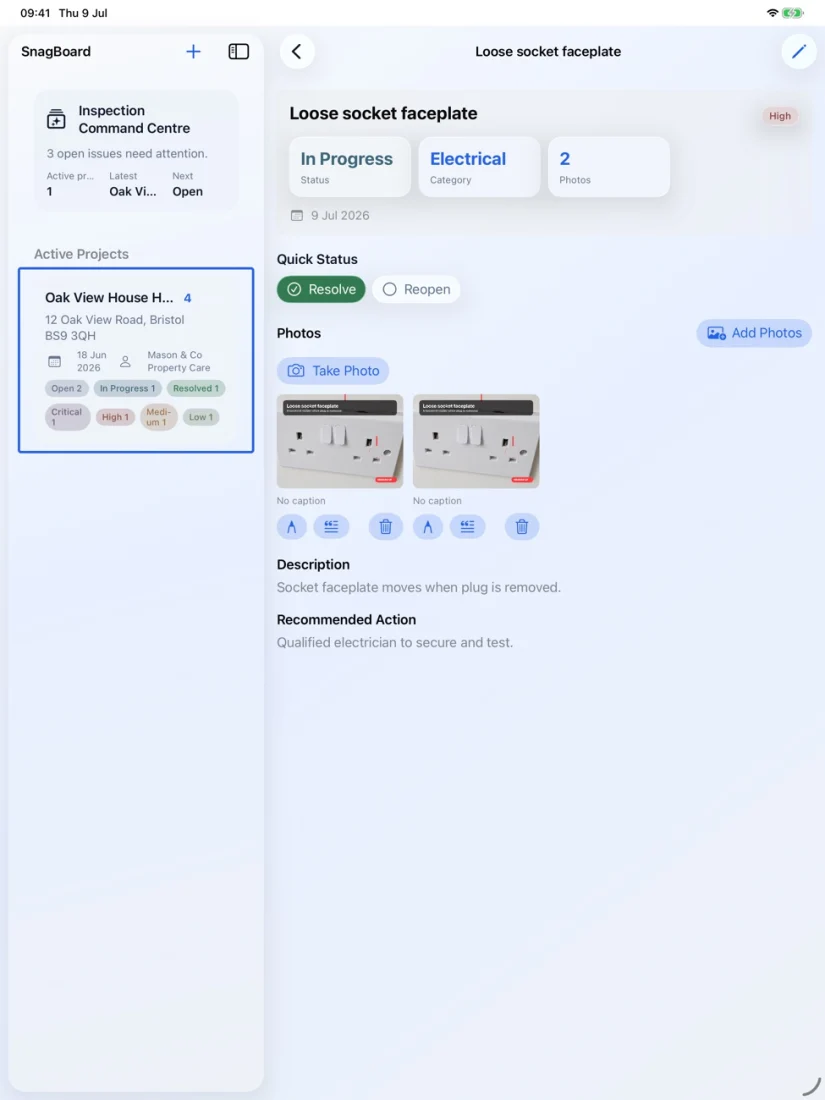
More room for context, wider review surfaces and a calmer experience when refining records before export.
- Broader layouts show more project context at once.
- Comfortable for annotation review, issue organisation and report preparation.
- Better suited to desk-based clean-up and client-ready finishing.
PDF report preview
Report output is part of the core value: clear cover pages, issue summaries and photo evidence ready to share with stakeholders.
Cover and summary

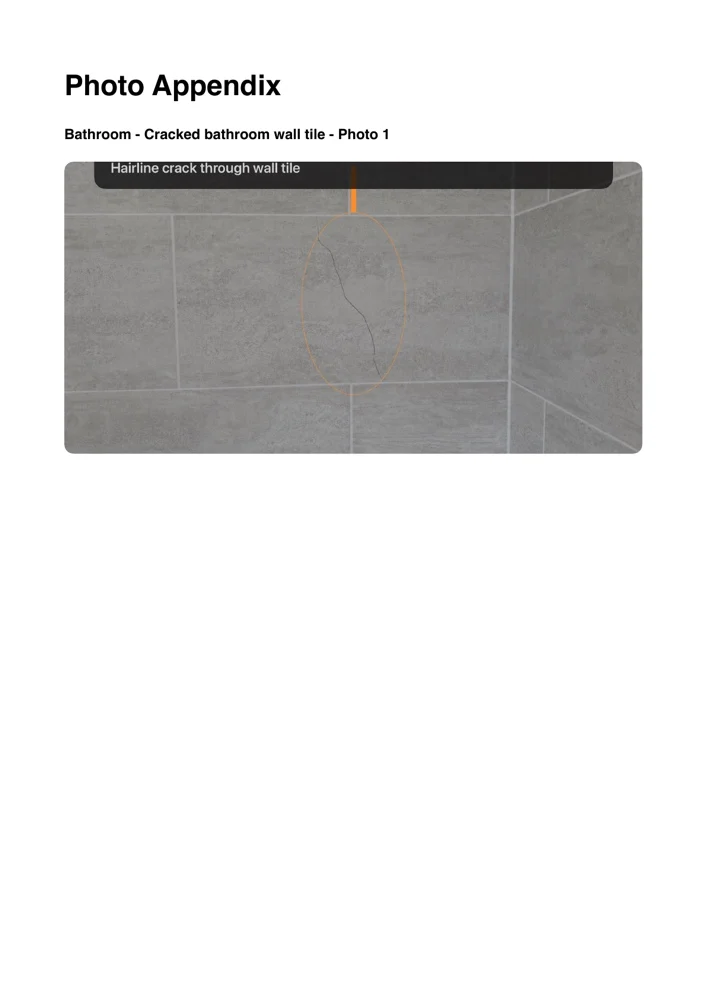
Photo evidence pages
- Professional structure from cover page through to issue detail.
- Image evidence stays tied to the relevant snag with clear annotations.
- Suitable for client review, contractor follow-up and record keeping.