
Choose your time
Use a preset or set the exact number of minutes that fits the work in front of you.


One focus block. Every second clear.
Choose a preset or custom duration, start your session, and follow a simple visible countdown for revision, work or personal time.
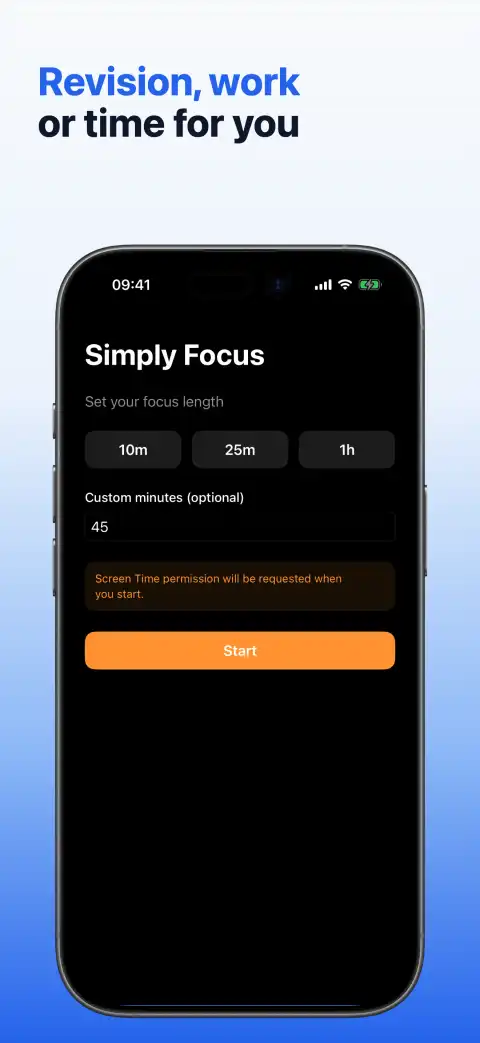
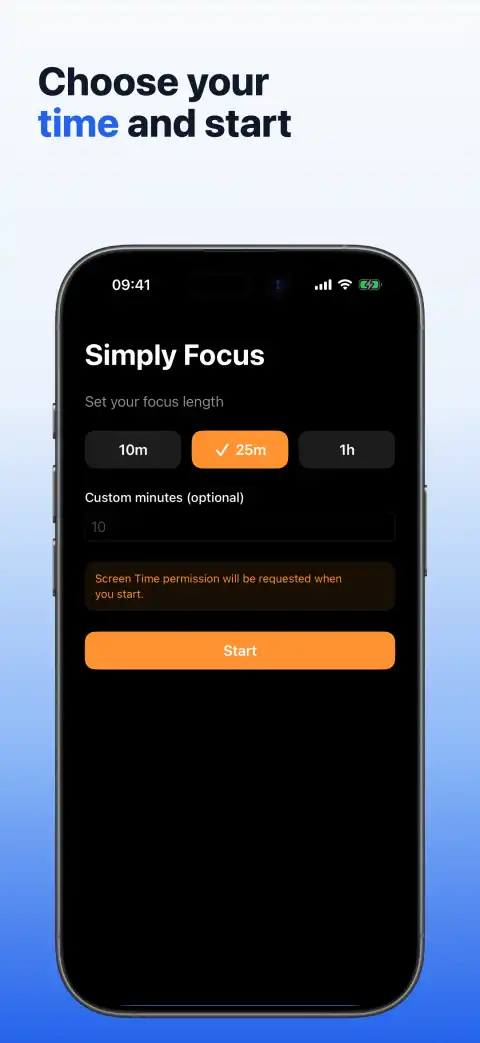
Simply Focus keeps the current session at the centre, without tasks, streaks or extra planning screens.
Use a preset or set the exact number of minutes that fits the work in front of you.
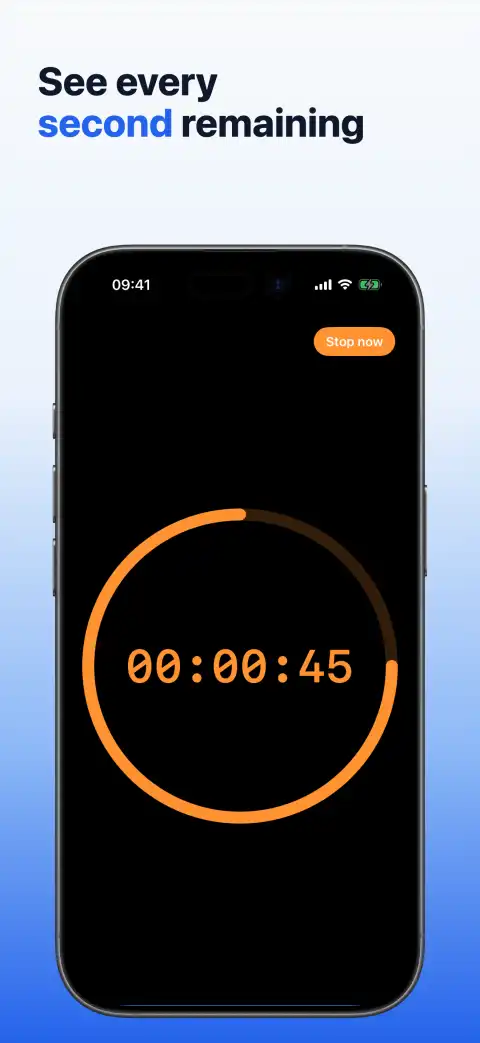
A countdown and shrinking progress ring keep the remaining time visible throughout the session.
Stop early when needed. Some system apps or platform exceptions may remain available, and notification alerts may not appear.
The countdown and progress ring show how much of the current focus block remains.
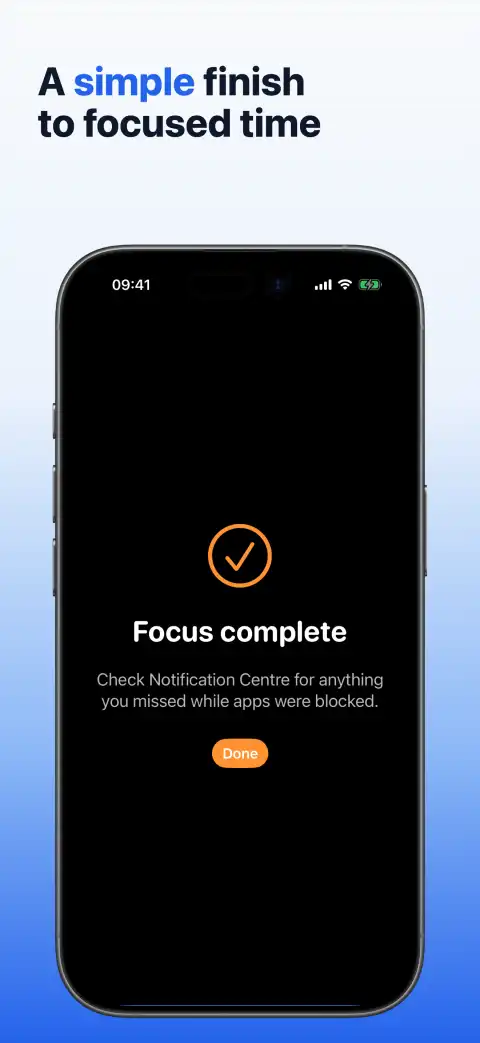
Read how Simply Focus works with iOS focus controls, what remains under system control, and how local app data is handled.