
Before your first focus session
Simply Focus asks you to accept that apps and websites will be blocked while the timer runs. Some system apps and platform exceptions may remain available, and notification alerts may not appear while the block is active.
Choose your focus time
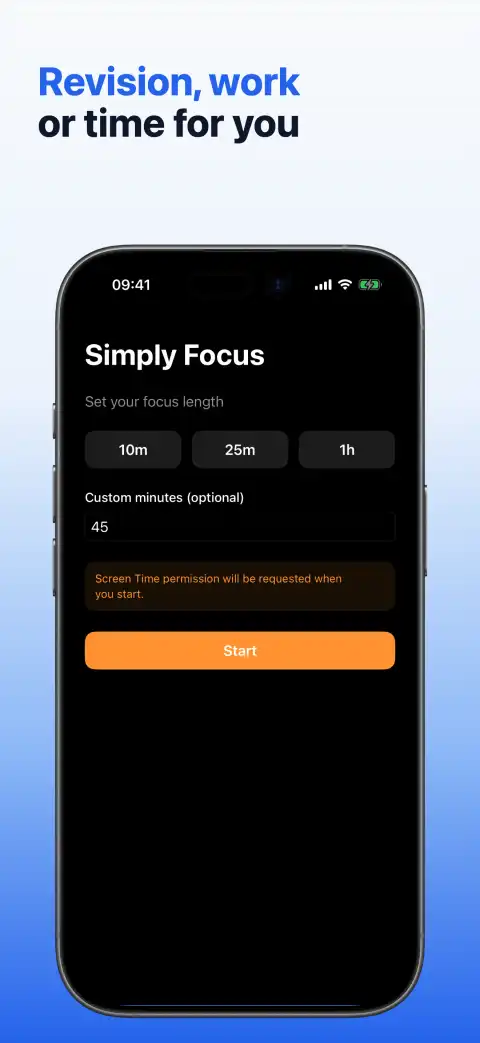
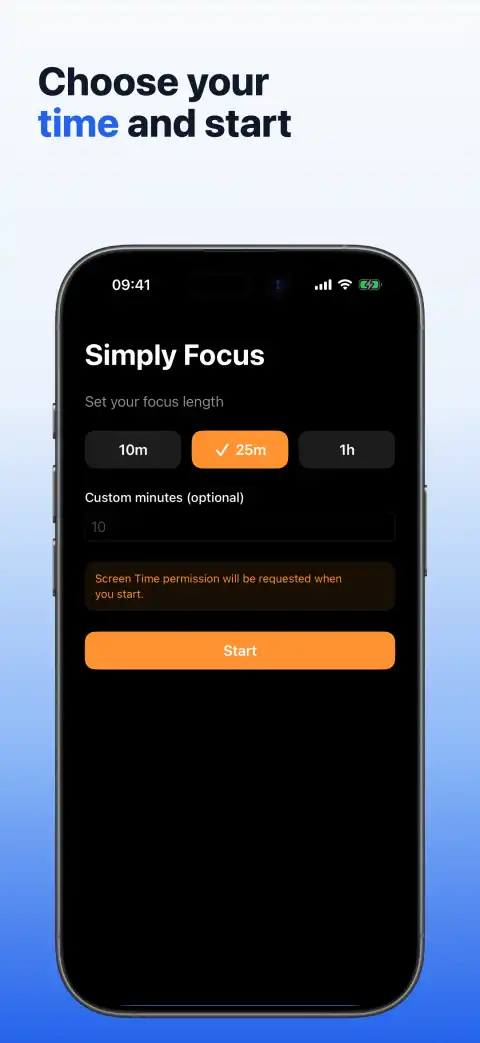
Select the 10-minute, 25-minute or 1-hour preset, or enter a custom duration from 1 to 720 minutes. The selected preset is highlighted, and entering a custom duration replaces the preset choice.
Start a session
Tap Start. On first use, follow the system prompt so Simply Focus can limit app and website categories during the chosen session. If the session cannot start, follow the guidance shown in the app or use Open Settings.
Follow the countdown
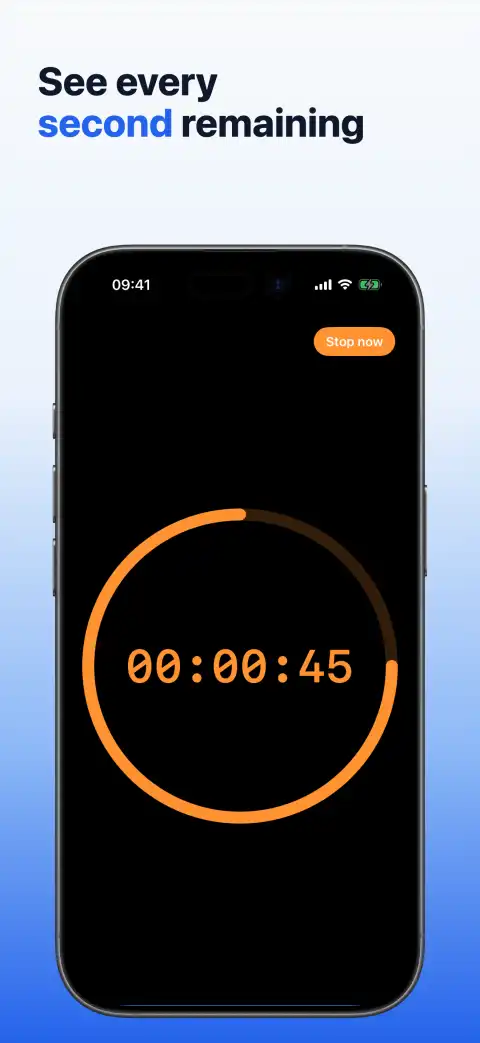
The active session uses a black full-screen view with an orange countdown and shrinking progress ring. The remaining time stays visible while the focus limits are active.
Stop early or finish
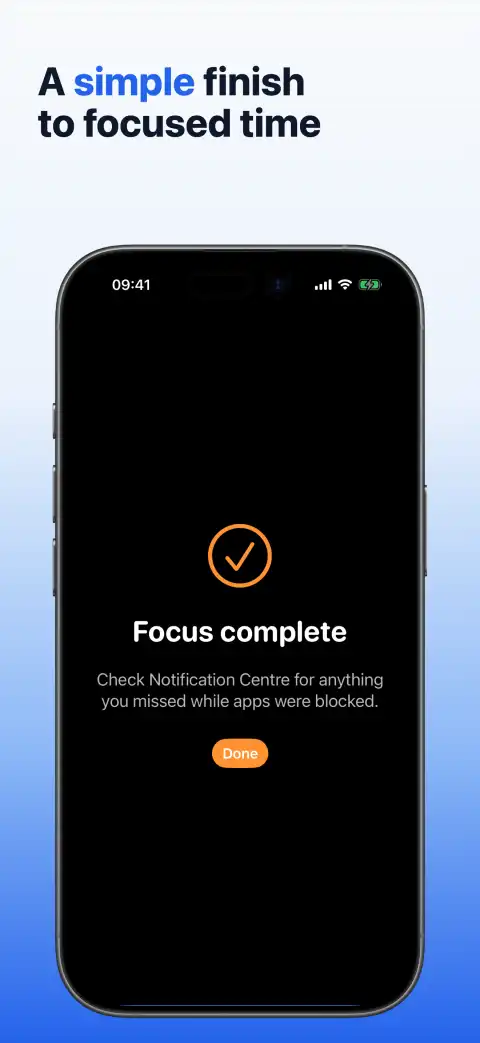
Tap Stop now whenever you need to end the session early. Simply Focus clears its shielding and monitoring when the session stops or finishes. After completion, check Notification Centre for anything you may have missed because Simply Focus does not collect or replay notifications.
Troubleshooting
- If the session cannot start, follow the guidance shown in Simply Focus.
- Use Open Settings if the app directs you to review its system access.
- Some system apps and platform exceptions may remain available during a session.
- If a previous session ended while the app was closed, reopen Simply Focus so it can reconcile the saved session state.
Get support
For help, visit Simply Focus Support or email support@RGTSoftware.com. Include your iPhone model, iOS version, app version and a short description of the problem.