
Create a project
Open SnagBoard and create a project for the property or inspection visit. Add a clear project name, client or property reference, address, inspector details, and an exterior property photo where it helps identify the report.
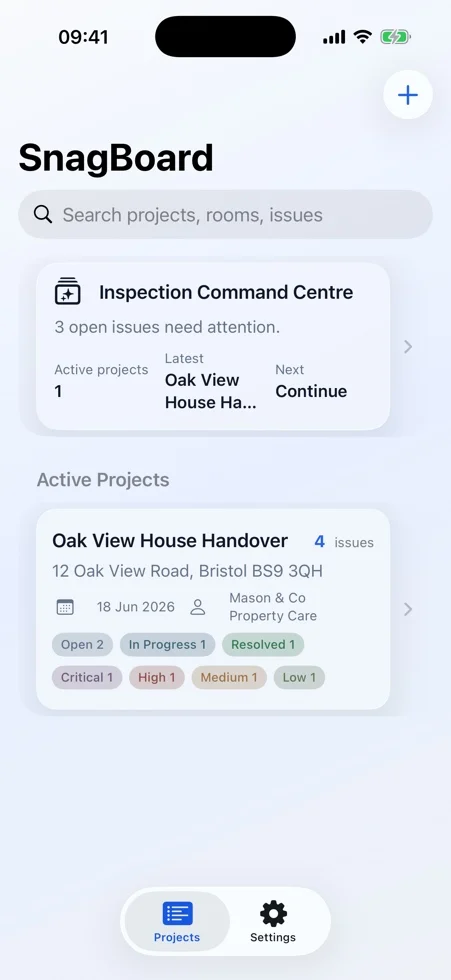
Add rooms and issues
Open a project, add the rooms or areas you are inspecting, then add each issue with a title, notes, severity, trade, status, and optional due date. Use room, trade, status, and severity details consistently so reports and filters stay useful.
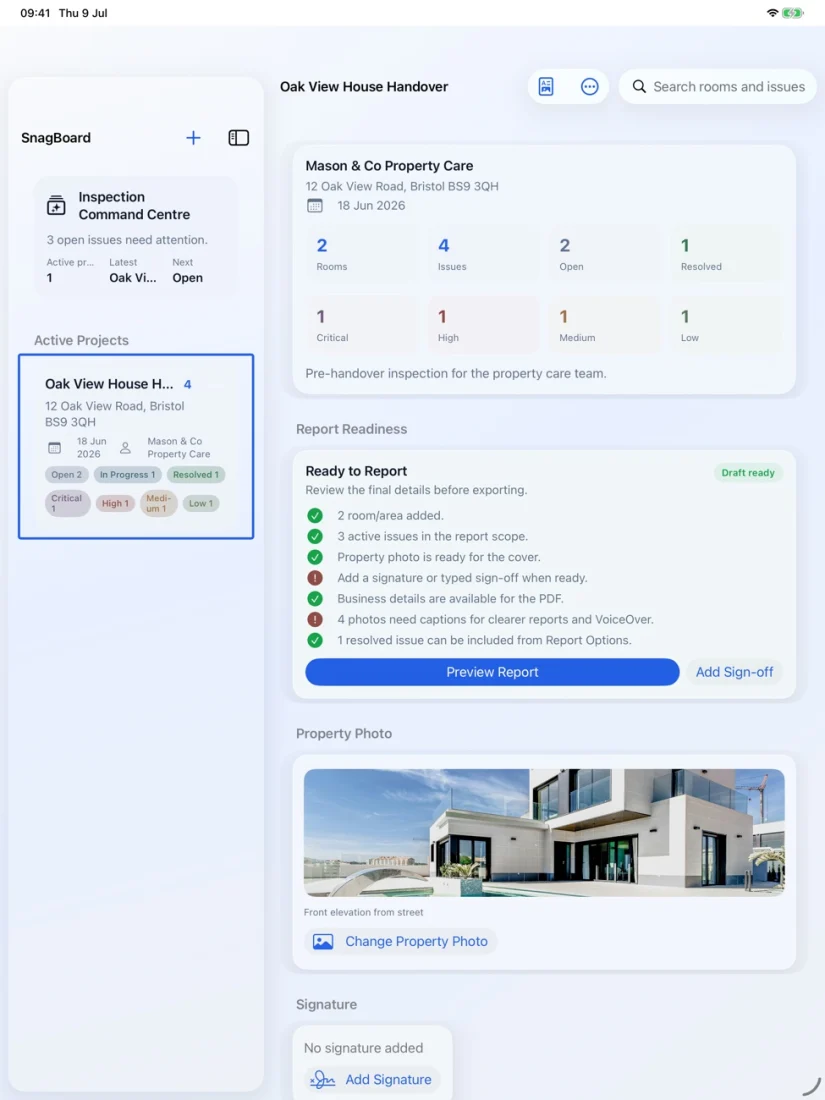
Add and annotate photo evidence
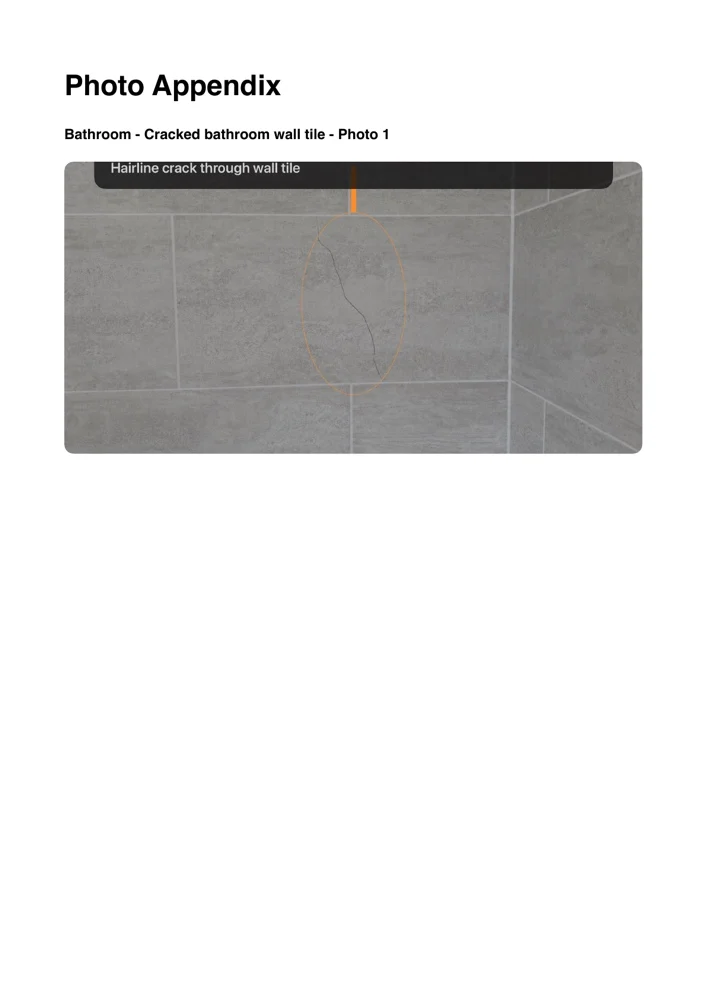
Add one or more photos to an issue, then use the annotation tools when you need to point out the exact defect. Original images are retained so markup can be adjusted without replacing the underlying evidence.
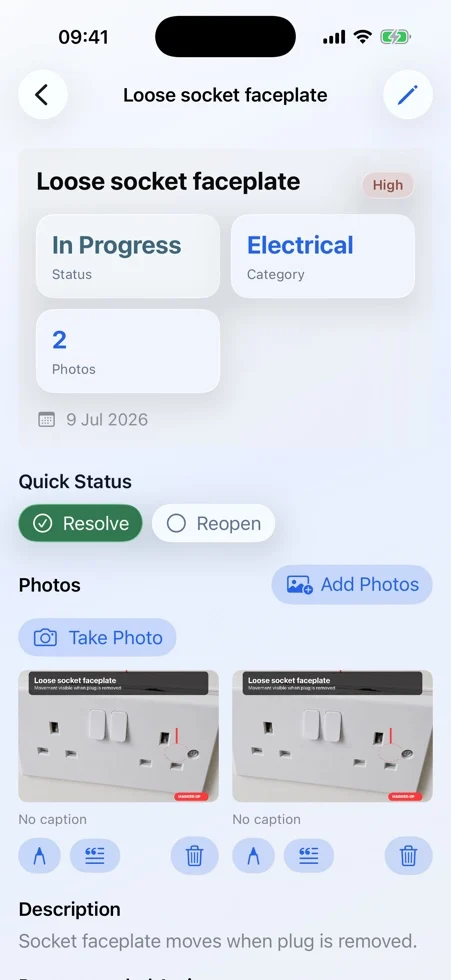
Review on iPad
Use iPad when you want a wider surface for review, photo evidence, report preparation, and client-ready checking. The same project data can sync through the user's Apple iCloud account when iCloud is available and enabled.
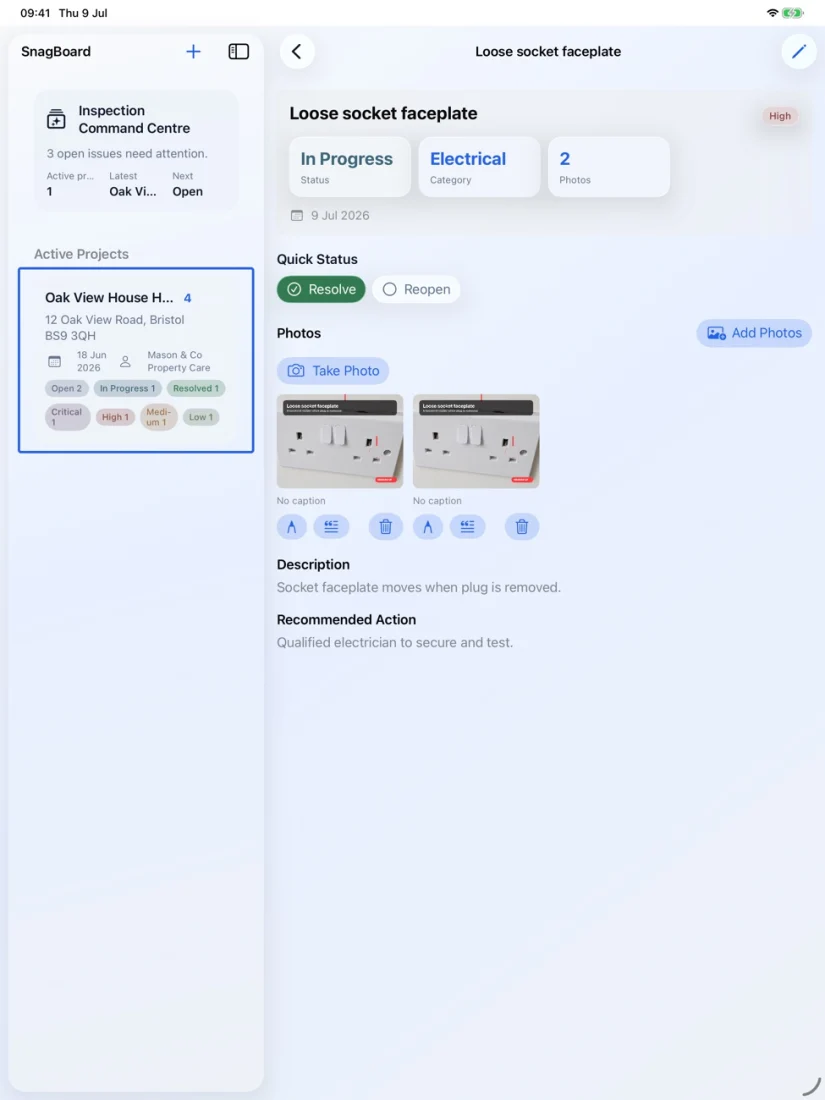
Generate a PDF report
Use the report controls to preview and share a PDF. Free mode allows one editable project; PDF export and unlimited projects require an active SnagBoard Pro Annual subscription managed by Apple. The system share sheet lets you save, print, email, or send the PDF through destinations available on your device.

Use Settings and support links
Open Settings to add company branding, check SnagBoard Pro status, restore a subscription, review iCloud storage information, and open the user guide, support, privacy policy, and terms links.
Troubleshooting
- If projects do not appear on another device, confirm iCloud is enabled for the same Apple Account and reopen SnagBoard after iCloud is available.
- If export is unavailable, check SnagBoard Pro status in Settings and use Restore Subscription if you already subscribed.
- If a photo does not import, try a smaller image or restart the Photos selection flow.
- If a PDF share destination is missing, confirm that destination app is installed and available in the iOS or iPadOS share sheet.
Get support
For help, visit SnagBoard Support or email support@RGTSoftware.com. Include your device model, iOS or iPadOS version, app version, and a short description of the issue.