
Create a handover project
Open Contractor Handover Pro and create a project for the completed work. Add the client, site address, job reference, work type, scope of works, summary, recommendations and maintenance notes where they help the handover pack.
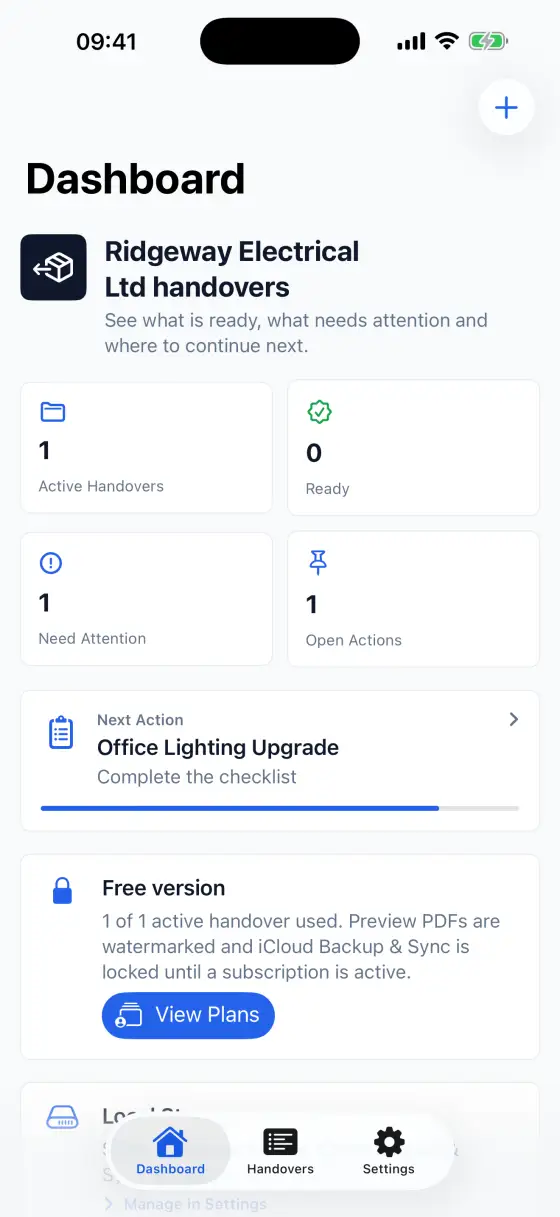
Choose a template and add areas
Use the project type templates for electrical, plumbing, solar PV, CCTV/security, network/Wi-Fi, general building or custom work. Templates can add starter areas, test labels and checklist items, then you can edit or extend them for the job.
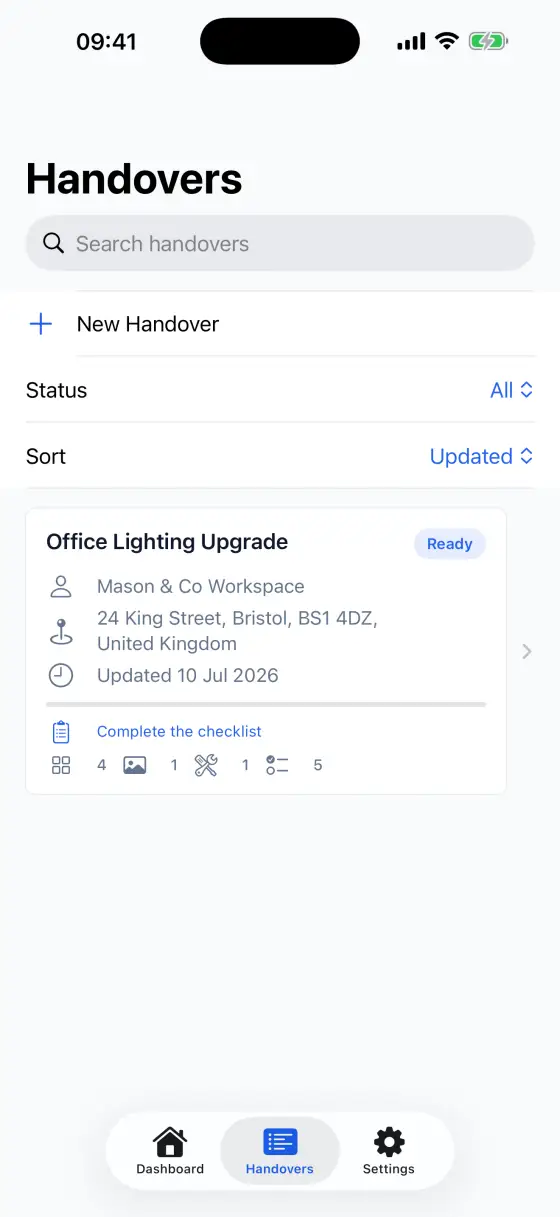
Add evidence and records
Add project photos, installed equipment, commissioning or verification test results, checklist items and document-register entries. Documents can cover certificates, warranties, manuals, datasheets, drawings and other files useful to the client.
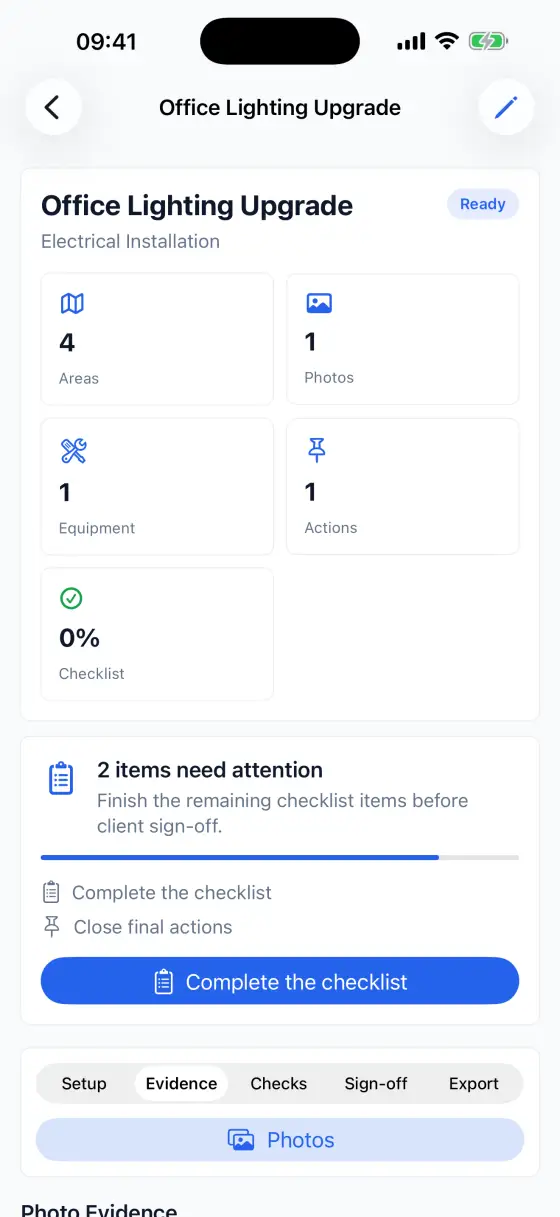
Capture sign-off
Use Signatures to add customer, contractor, site contact or approver sign-off. A drawn signature can be added with touch or Apple Pencil, and a typed signer name can still be saved when drawing is not practical.
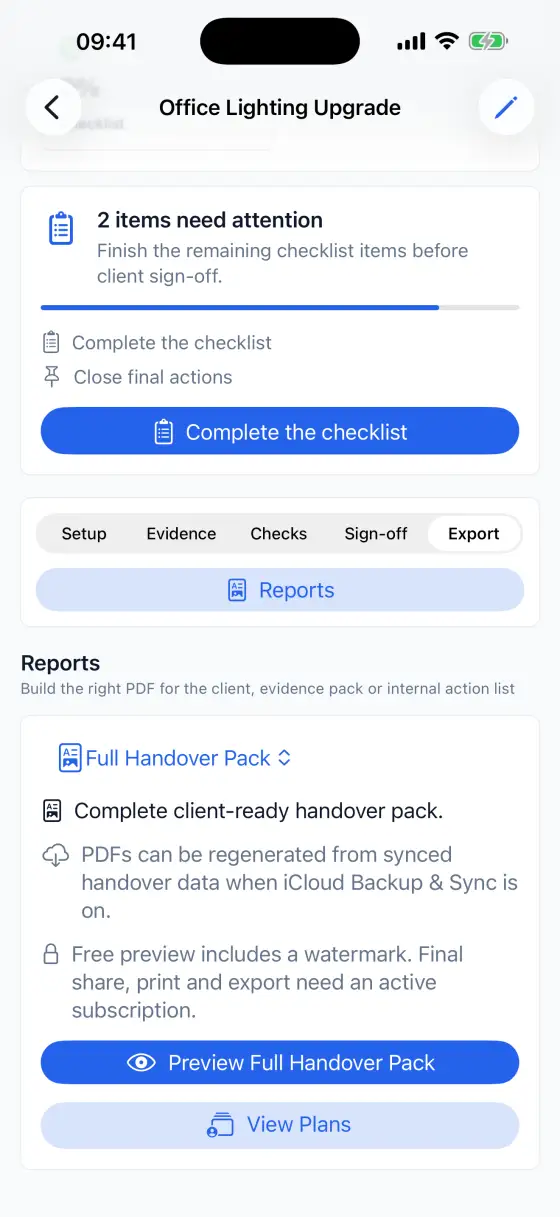
Preview and export the PDF
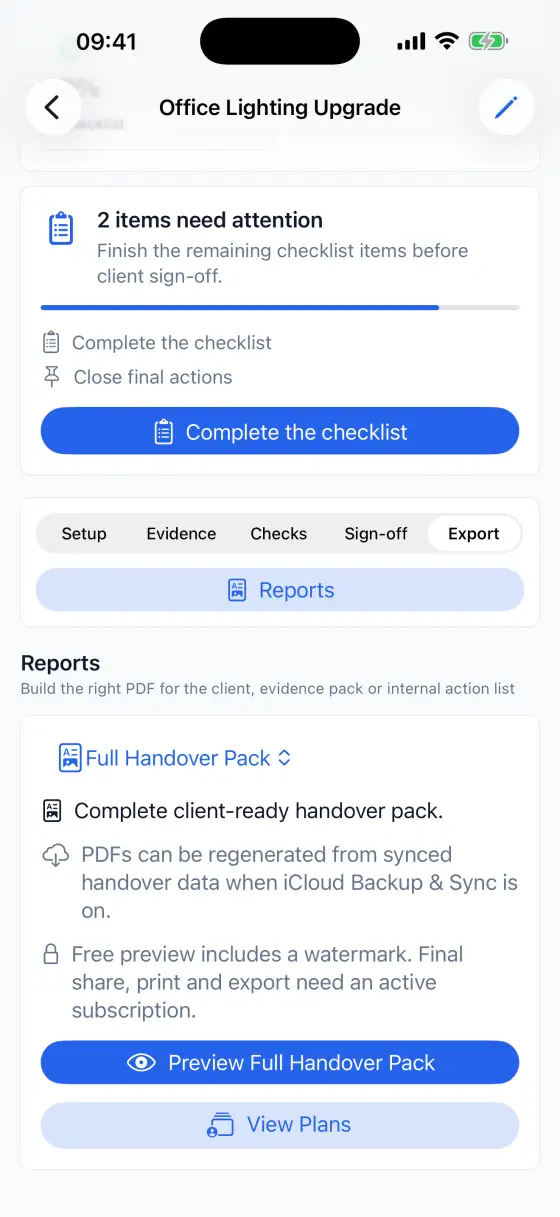
Open PDF Preview & Export to generate a handover pack. Free mode supports one active handover project and watermarked PDF preview. An active subscription enables unlimited active handovers, final PDF export, sharing, printing and email.
Use Settings and support links
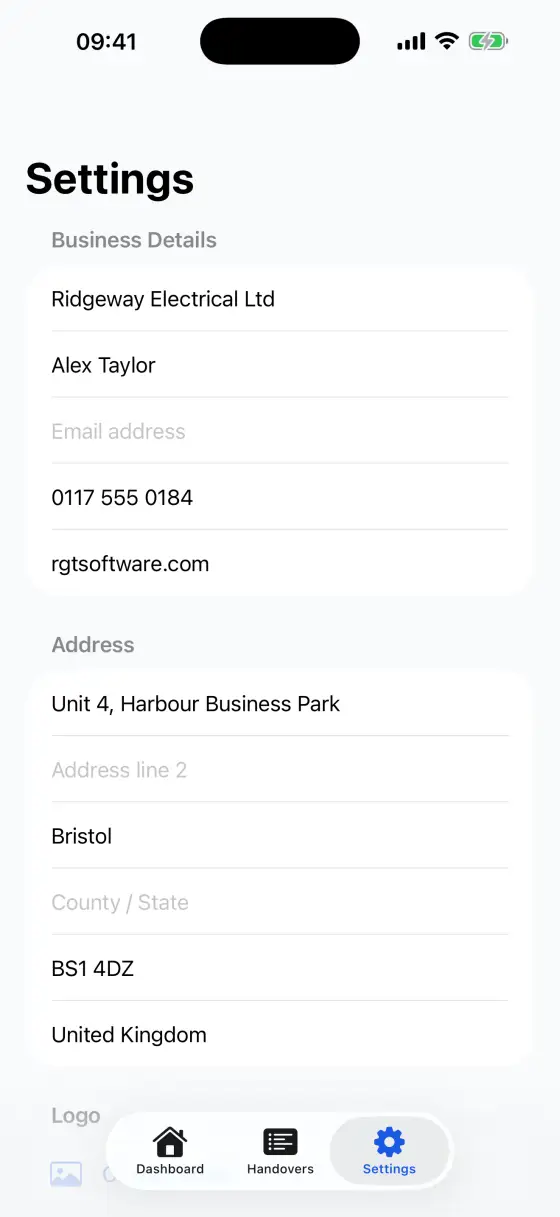
Open Settings to add company profile details, import a logo for generated PDFs, check subscription status, restore purchases, manage private iCloud Backup & Sync, and open this guide, support, privacy policy and terms.
Troubleshooting
- If PDF export is unavailable, confirm your subscription is active or use Restore Purchases in Settings.
- If iCloud Backup & Sync is unavailable, confirm you are signed in to iCloud on the device and iCloud Drive is available.
- If a photo does not import, try a smaller image or restart the Photos selection flow.
- If a document import fails, check that the file is available locally and can be opened by the Files app.
- If a PDF share destination is missing, confirm that destination app is installed and available in the iOS or iPadOS share sheet.
Get support
For help, visit Contractor Handover Pro Support or email support@RGTSoftware.com. Include your device model, iOS or iPadOS version, app version and a short description of the issue.