
SecurePair
Bring your own WireGuard VPN profile to Apple TV.
SecurePair uses iPhone or iPad as the setup companion for your Apple TV VPN. Import and validate a WireGuard profile, pair with the Secure Pair TV app, then send the profile across your local network.
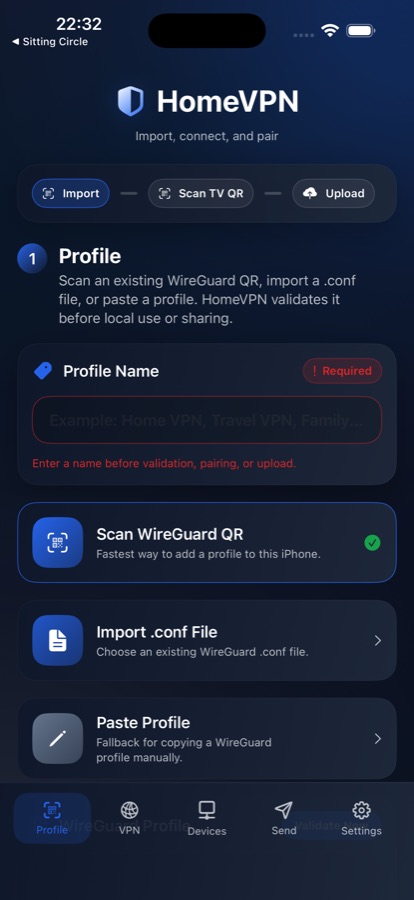
iPhone profile import
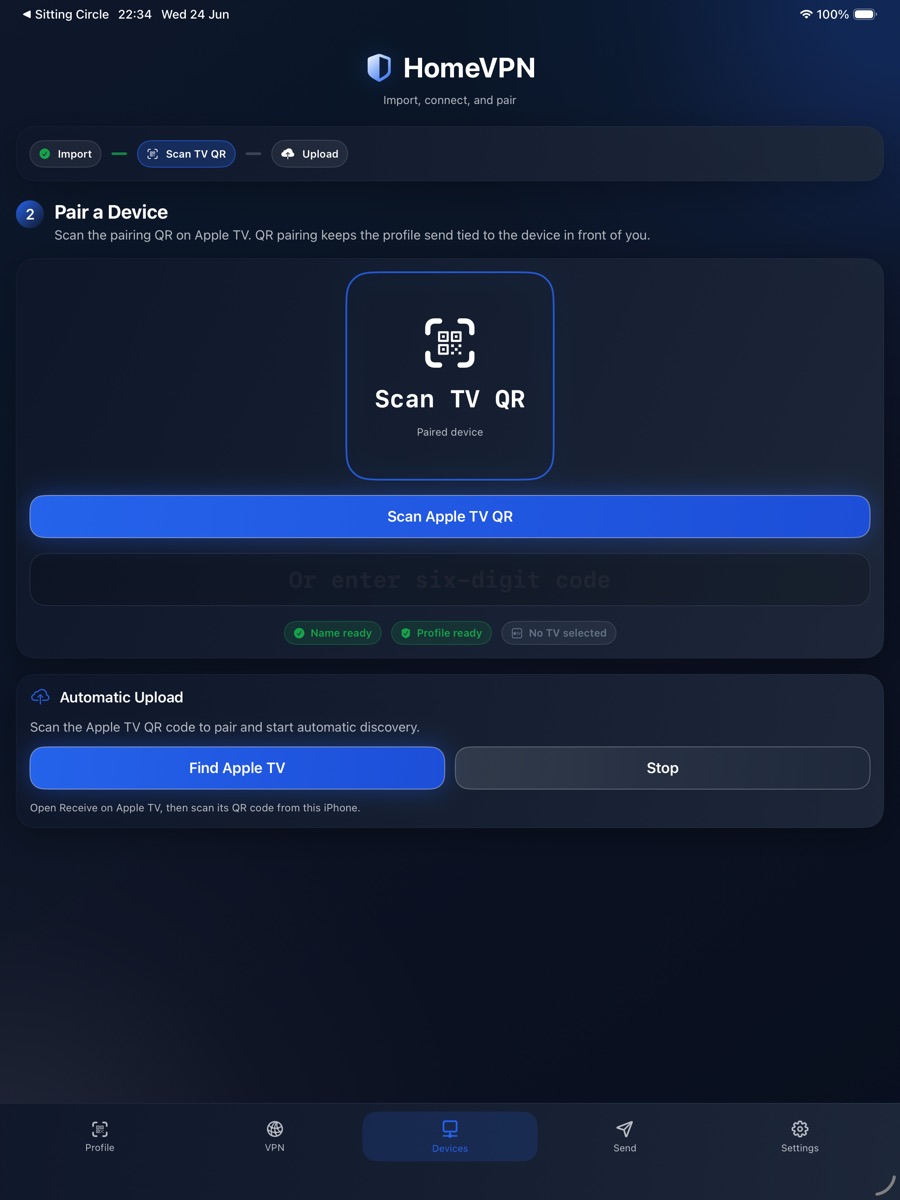
iPad pairing
Apple TV VPN setup without the awkward typing.
SecurePair turns your iPhone or iPad into the setup tool for Apple TV, so sensitive WireGuard profiles can be prepared on a proper screen and transferred locally.
Import profiles
Scan a WireGuard QR code, import a configuration file or paste a profile when setting up a trusted device.
Pair with Apple TV
Use the Secure Pair TV app as a local receiver, pair with the companion app, and avoid entering long VPN details with a remote.
Transfer locally
Send the validated WireGuard profile over your local network and wait for Apple TV confirmation before treating the upload as complete.
The Apple TV app is the receiver.
The tvOS app gives SecurePair its main point of difference: a living-room friendly receiver for your validated WireGuard profile.
Send from iPhone
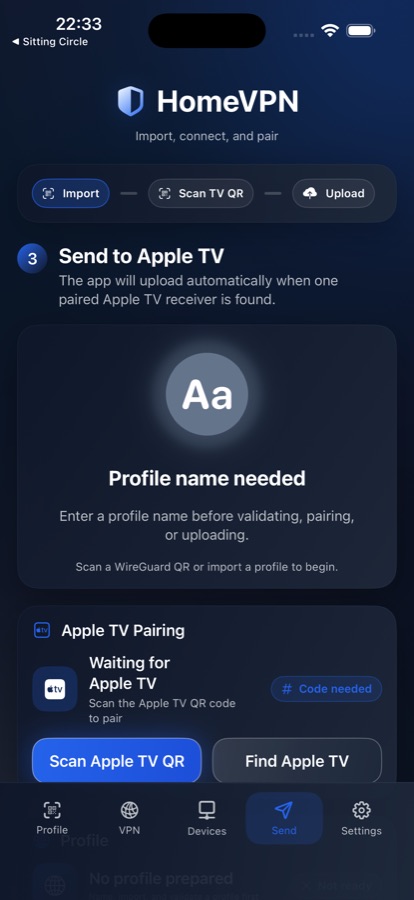
Prepare and validate the profile on iPhone, then send it to a paired Apple TV on the same local network.
Pair on Apple TV
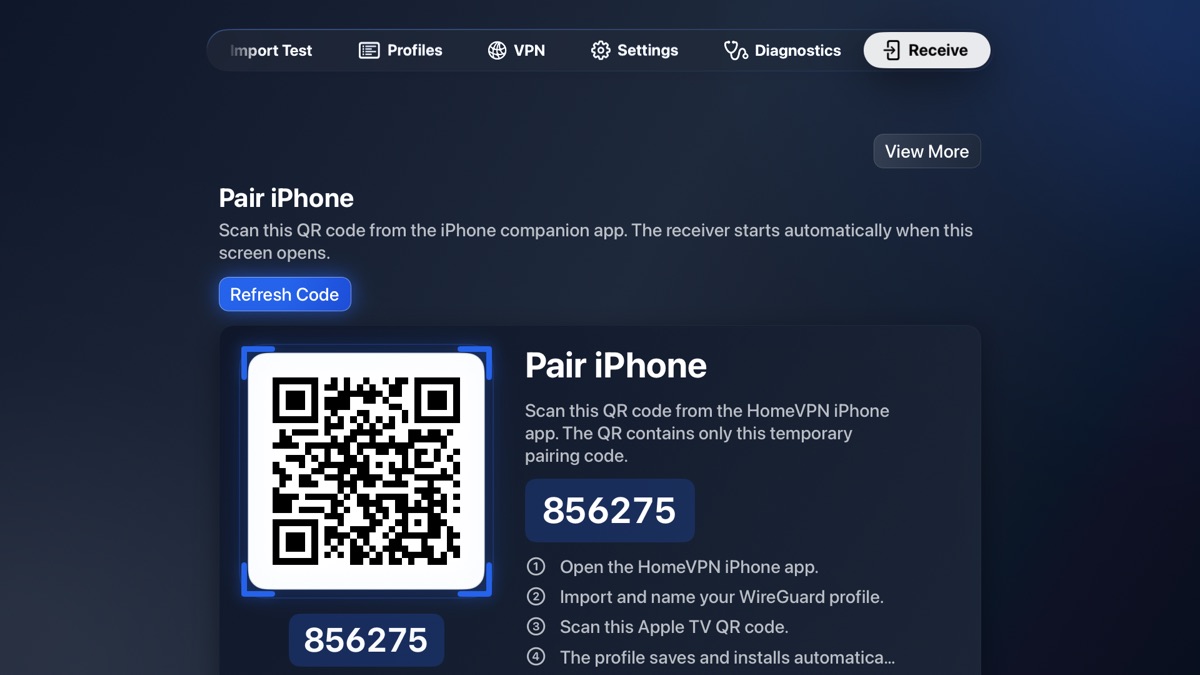
Apple TV shows the pairing state clearly so setup can happen without typing long configuration details with a remote.